Registration and participation
Register for the whitelist
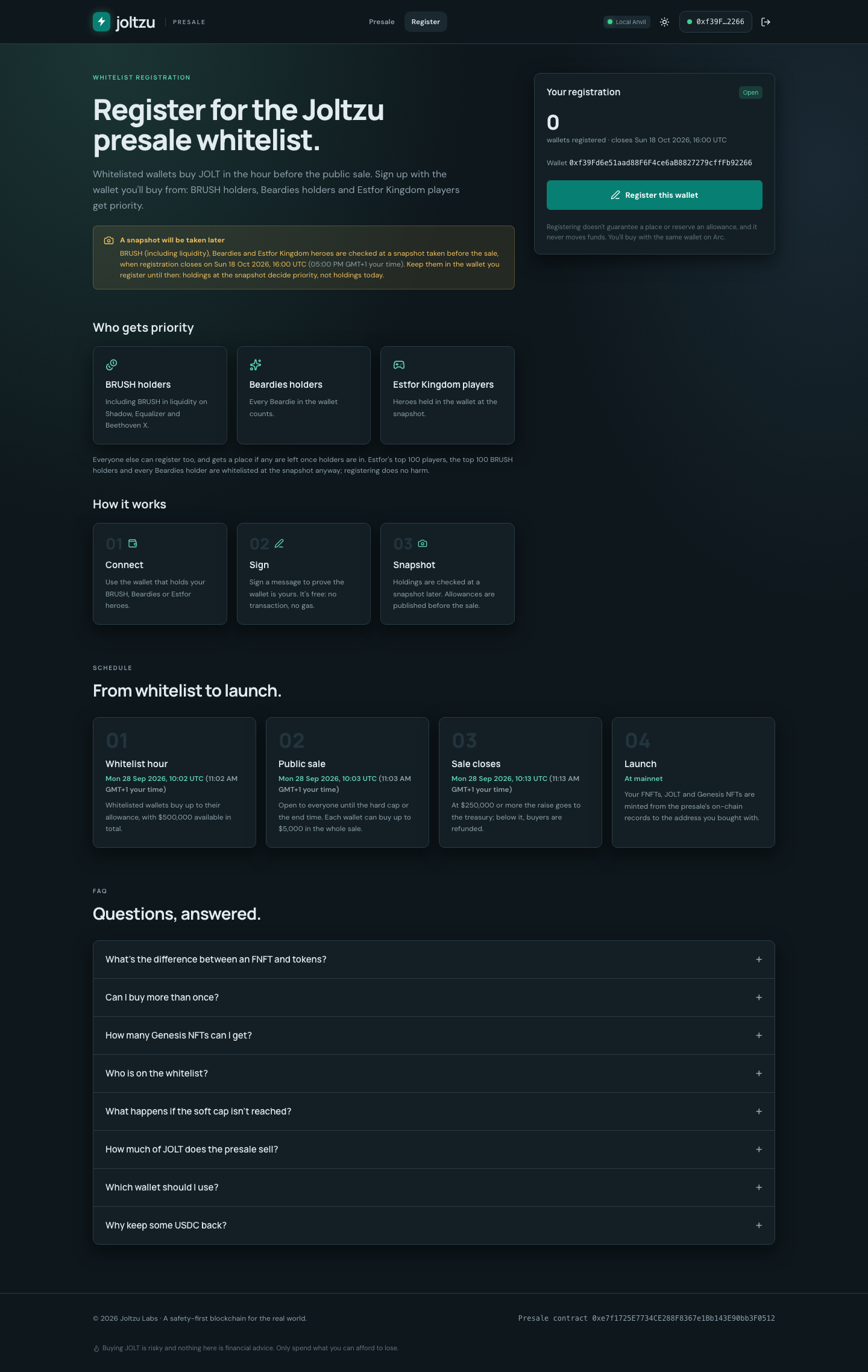
Open the sale site's /register page and connect a supported EVM signing wallet. Registration uses an EIP-712 message rather than a transaction, so it charges no gas and authorizes no token spending. It records the wallet and consent for a later snapshot.
Registration does not guarantee an allowance. The whitelist tool prioritizes eligible registered BRUSH, Beardies and Estfor holdings, then produces a snapshot, allowances and Merkle proofs. The published allowance and the sale contract's Merkle root determine whitelist purchase eligibility. Registration closing and snapshot dates remain to be announced.
Prepare the correct network
The sale runs on Arc, while Joltzu's native testnet and mainnet are different networks. Arc uses USDC for gas. Its native balance uses 18 decimals, while the ERC-20 USDC view used by the sale uses token decimals; read those decimals instead of assuming both encodings match. Arc's official connection guide documents wallet setup and current network details.
| Arc environment | Chain ID | Official documented RPC |
|---|---|---|
| Arc Testnet | 5042002 | https://rpc.testnet.arc.io |
| Arc Mainnet | 5042 | https://rpc.mainnet.arc.io |
These are Arc's documented hosts, checked on 2 October 2026. They are not Joltzu RPCs, and listing them does not confirm a presale deployment. Testnet USDC has no monetary value. Follow the announced sale's network and verified contract address; keep USDC available for gas.
The Joltzu browser extension currently provides a watch-only Sepolia Ethereum profile. It cannot sign Arc approvals or purchases. Use an EVM signing wallet the presale site discovers through EIP-6963 or its window.ethereum fallback.
Make a purchase
- Open
/or the world's reactor console. - Check the connected chain, verified sale address, phase and refund/vesting terms.
- Inspect your whitelist allowance during that phase and remaining $5,000 total wallet capacity.
- Enter USDC and select the portion going to FNFTs versus liquid launch tokens.
- Review the resulting FNFT, liquid and burn amounts, plus any Genesis NFT threshold crossed.
- Approve the sale contract's USDC spending if needed, then approve the purchase transaction. These are separate from free registration.
- Wait for confirmation and inspect the allocation and transaction record. An animation or submitted hash alone does not establish a confirmed purchase.
The contract can partially fill a purchase against remaining caps. Check the receipt's Purchased event for the actual USDC taken and allocations. Repeated purchases share the same wallet cap and cumulative Genesis NFT count.
Refunds and launch claims
After an unsuccessful or cancelled sale, eligible buyers call the contract's refund path; a refund is not silently sent by a browser countdown. Successful purchases remain recorded allocations until the launch distribution is implemented and published. The contract emits evidence for JOLT, FNFT and Genesis NFT minting at launch, but these docs provide no live claim URL or distribution contract.